Apphara

Apps that just work,
without getting in the way

We build simple, privacy-first Android apps that respect your time and your data. No accounts, no trackers — just tools that work.

Explore our products
DoWork app icon
Product 01

DoWork

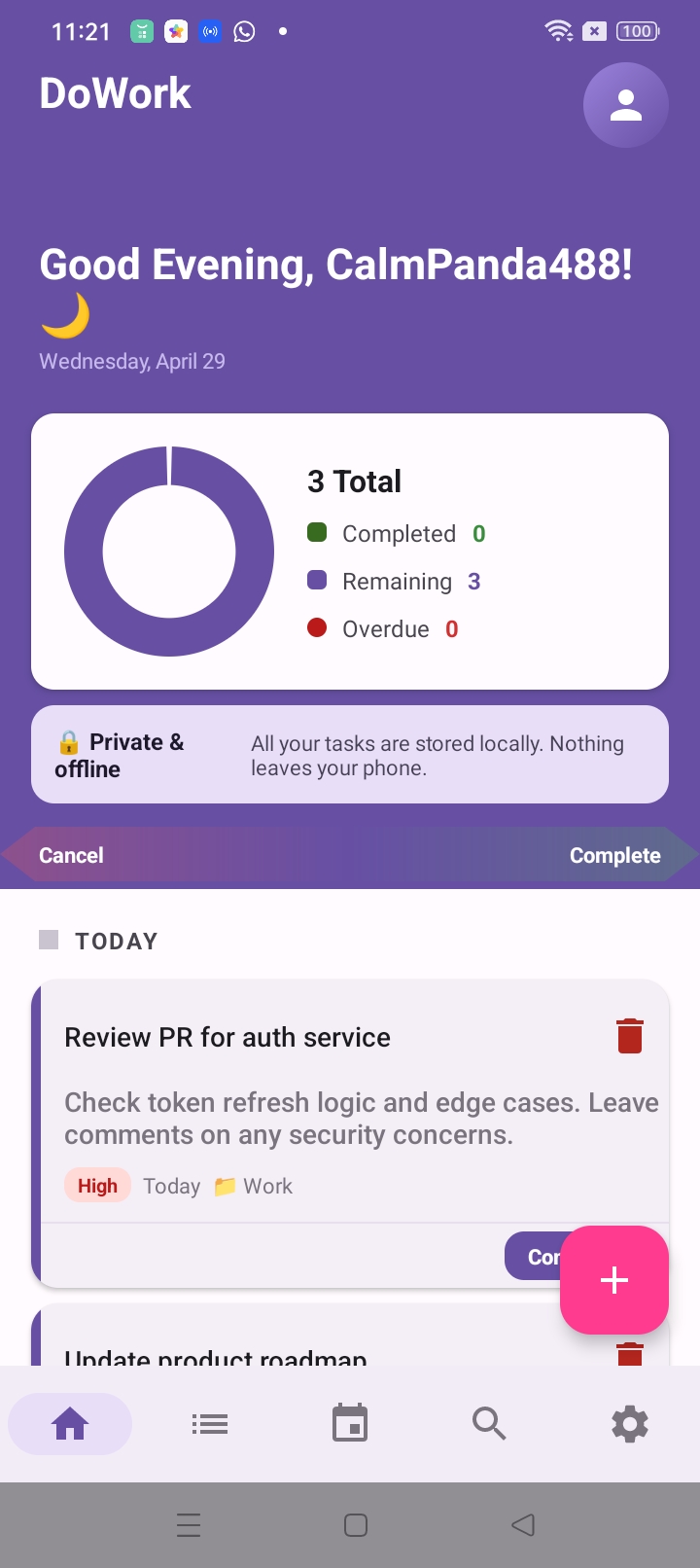
A local-first task manager for Android. Organize tasks, projects, and Kanban boards — everything stays on your device, completely offline and private.
Download on Google Play Privacy Policy
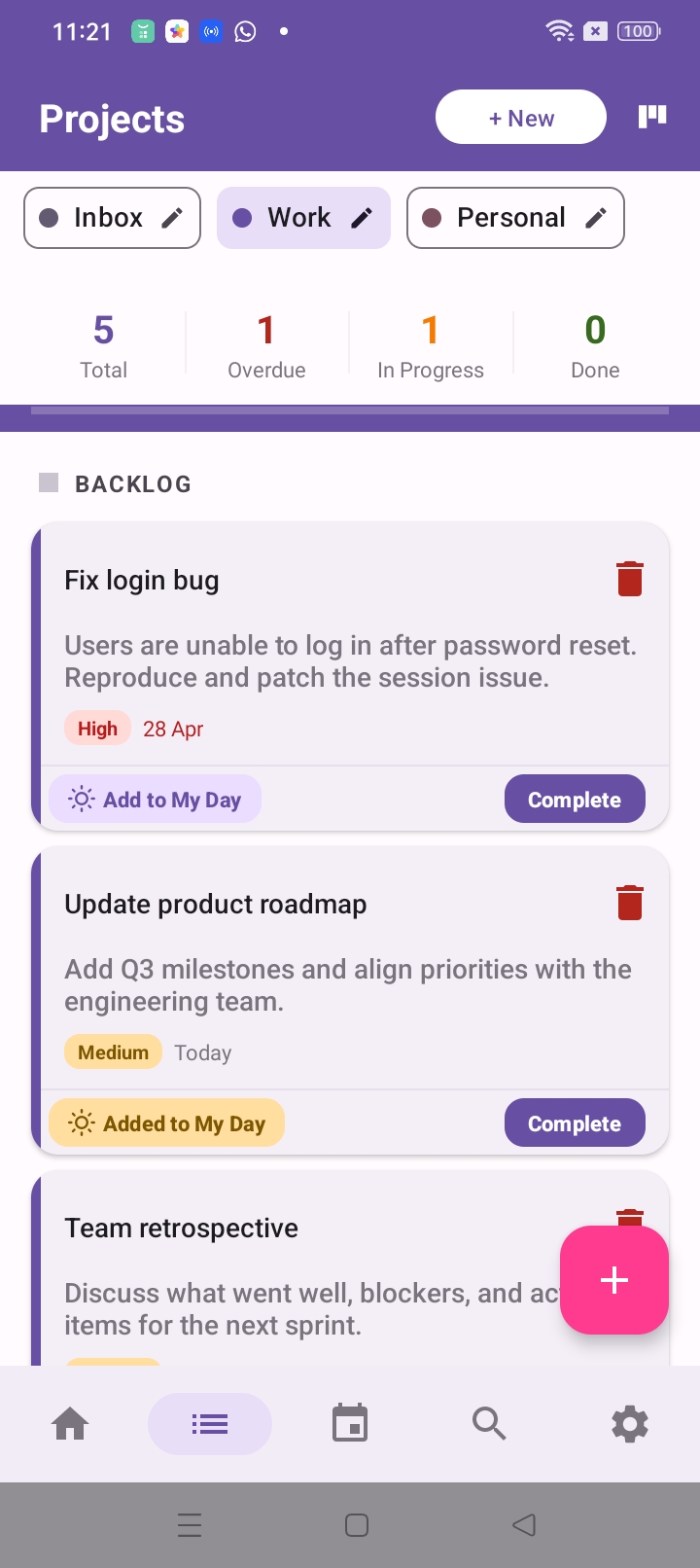
DoWork Projects screen
DoWork Home dashboard
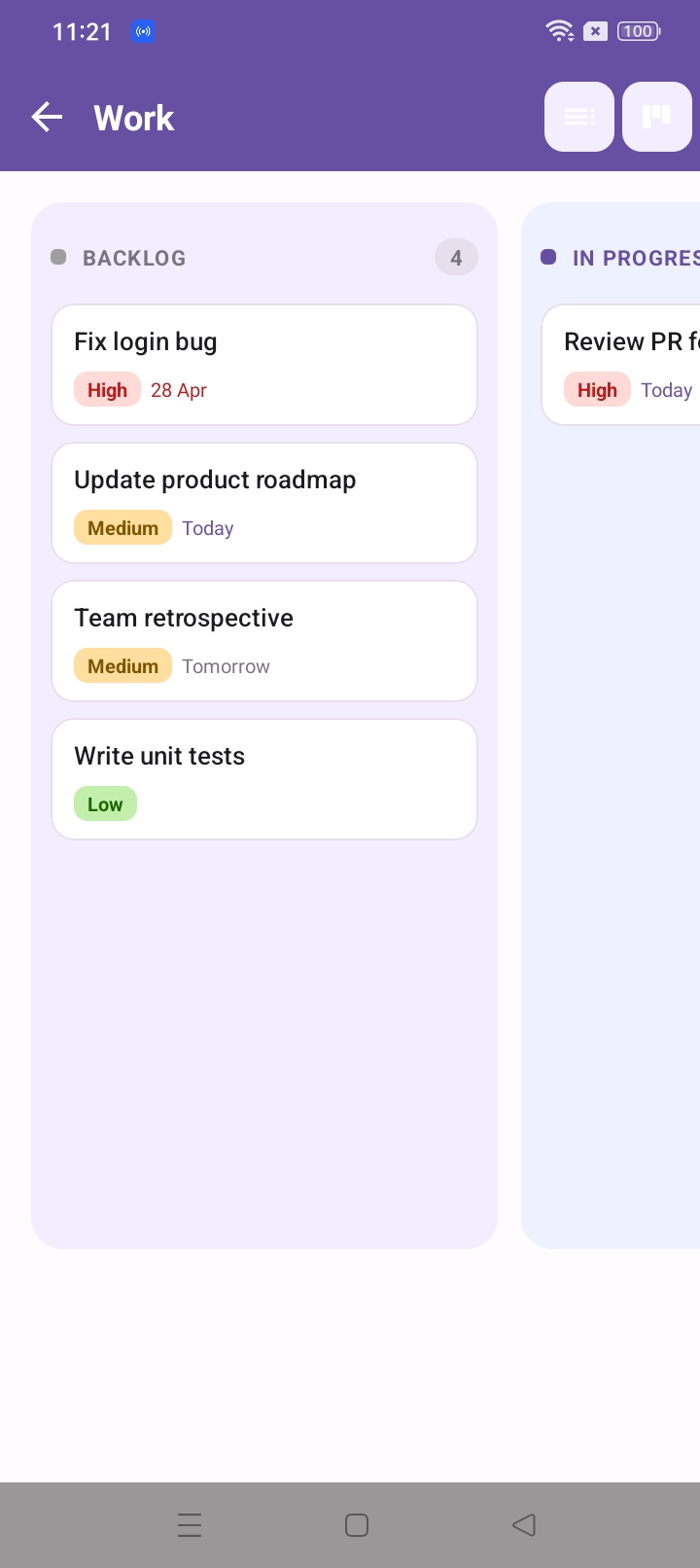
DoWork Kanban board

All screens

Home
Projects
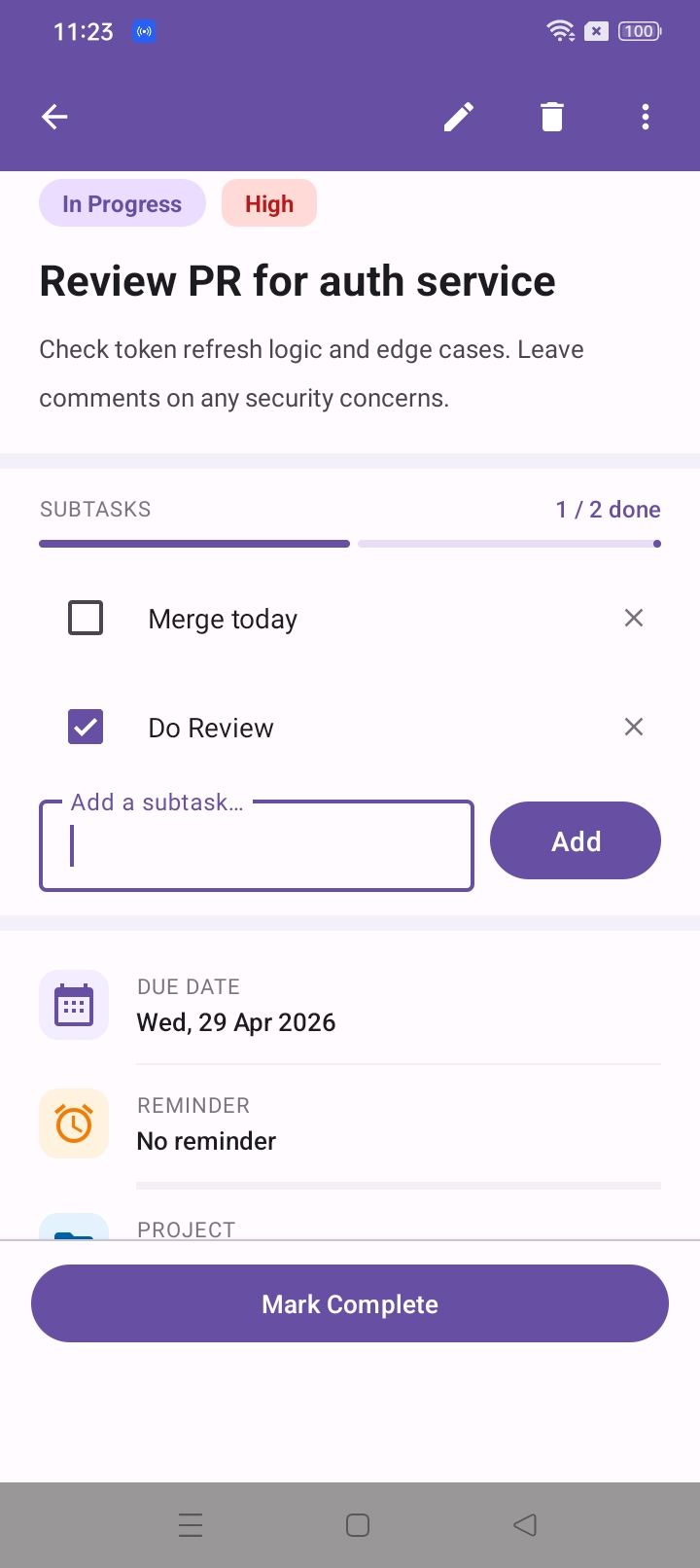
Task Detail
Kanban
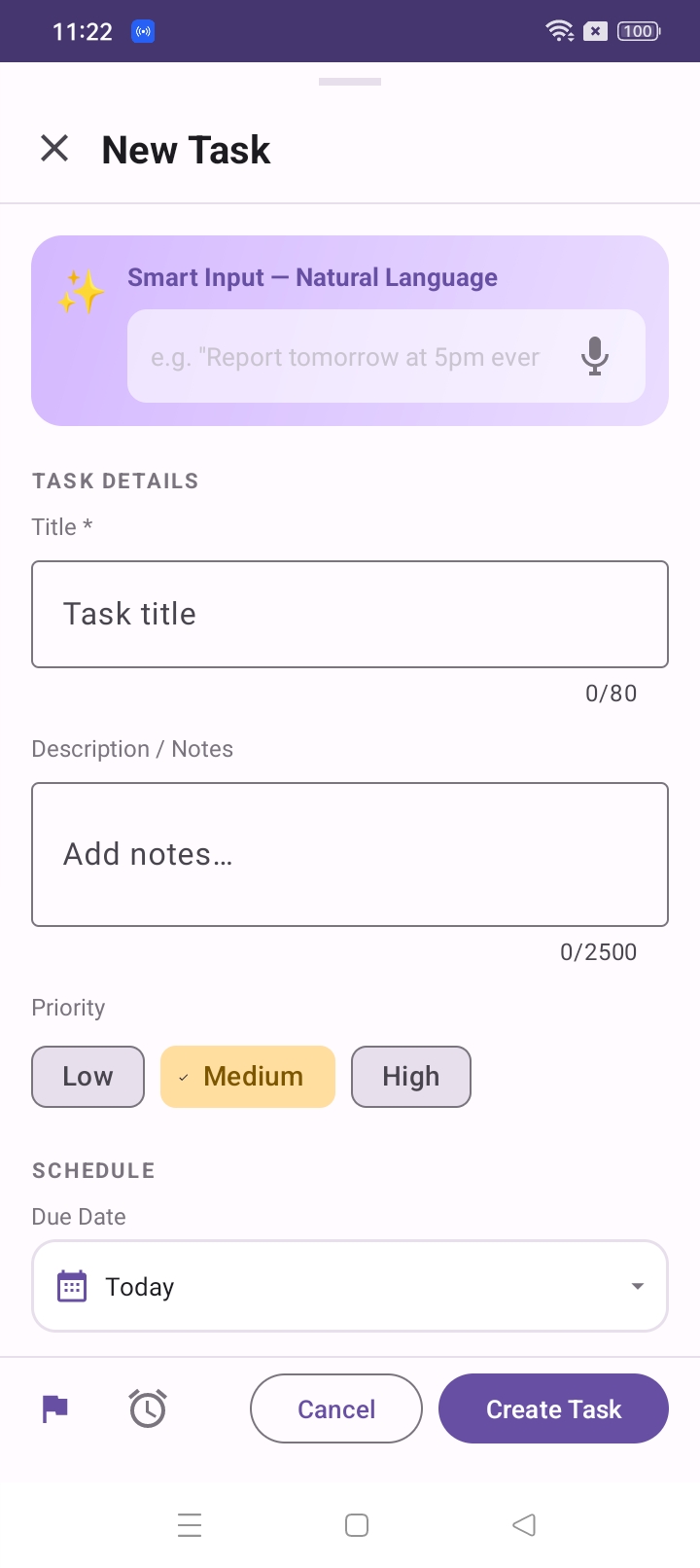
New Task
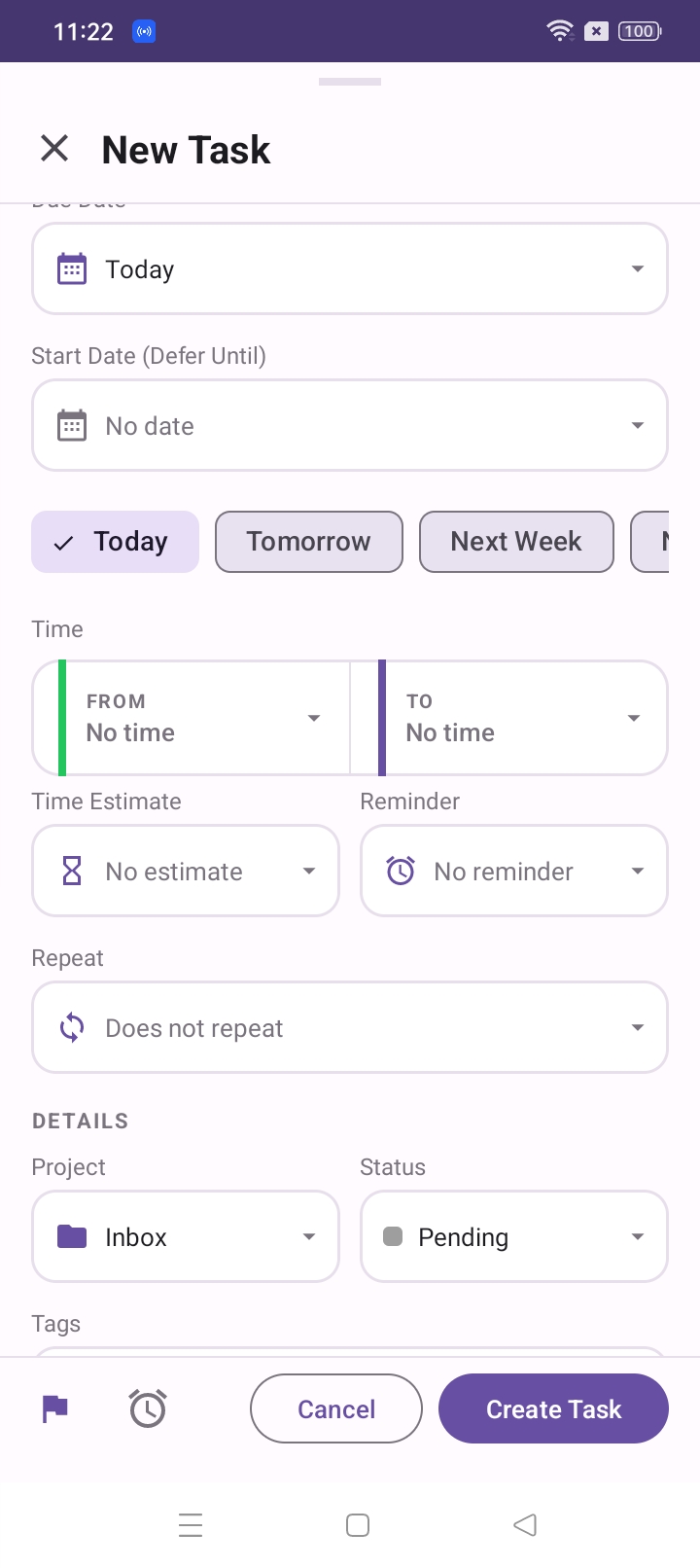
Scheduling
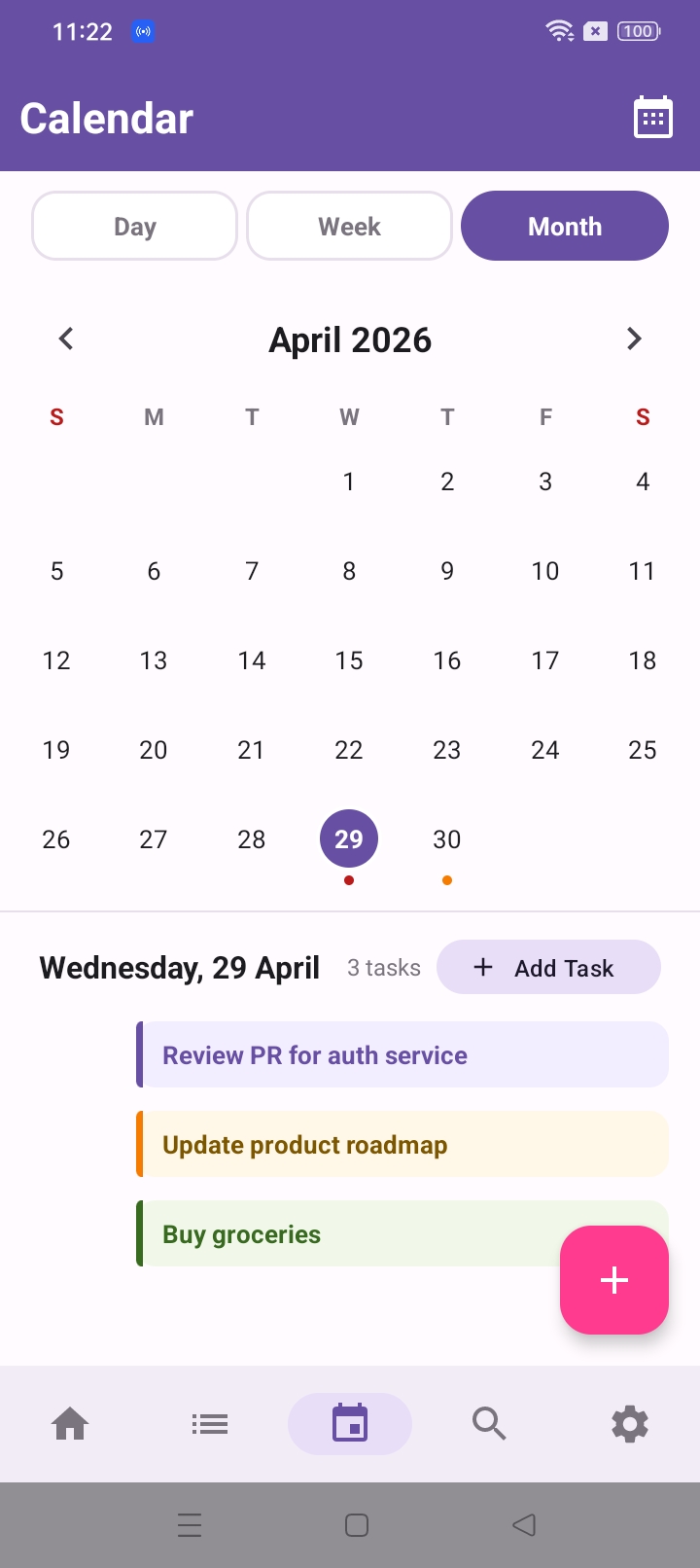
Calendar
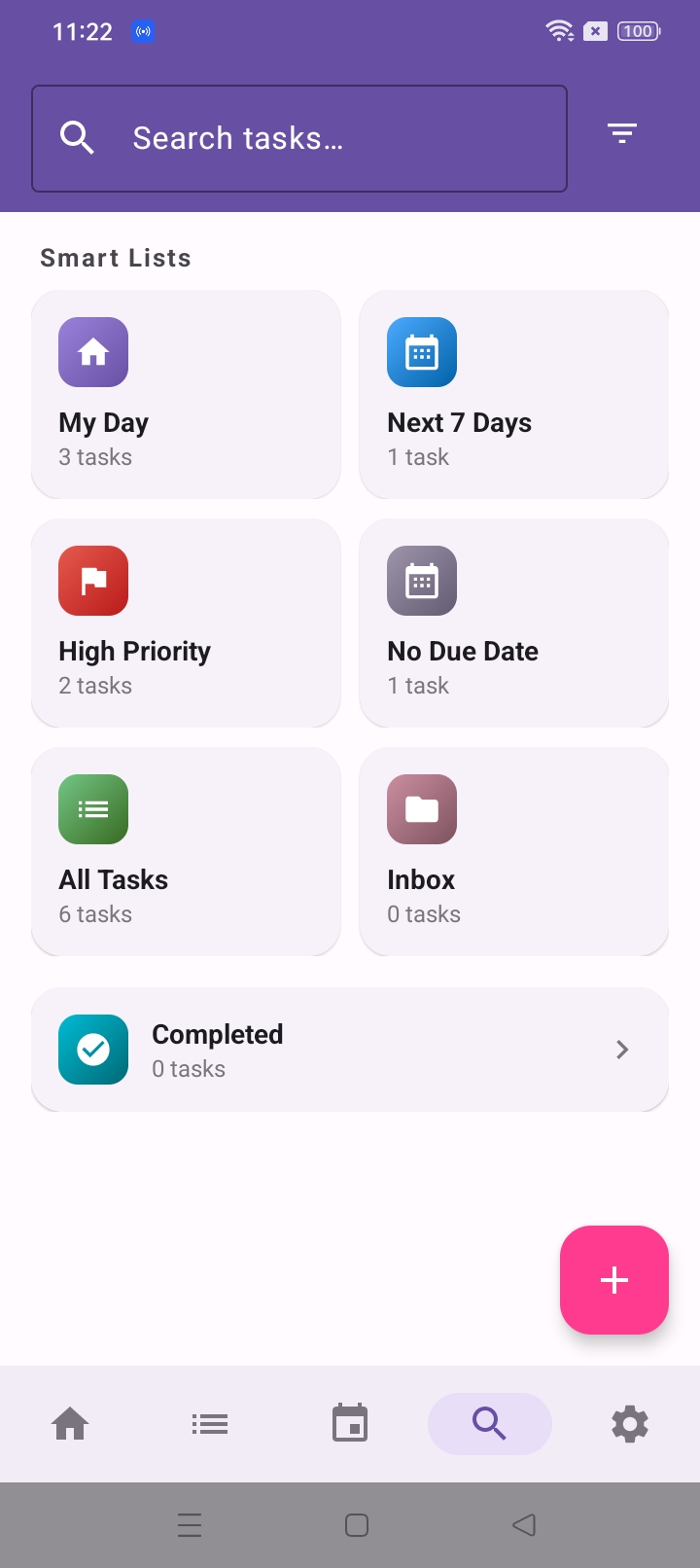
Smart Lists
What's inside

Everything you need to stay organized

Kanban Boards

Visualize your workflow with drag-and-drop boards. Move tasks through Backlog, In Progress, and Done — the way you actually work.

Calendar View

Switch between Day, Week, and Month. See all your tasks laid out on a calendar and add new ones with a single tap on any date.

Smart Natural Language

Just type "Report tomorrow at 5pm every week" and DoWork parses the date, time, and recurrence automatically. No tapping required.

Projects

Group tasks into Work, Personal, Inbox, or any custom project. Each project shows its own total, overdue, in-progress, and done counts.

Smart Lists

My Day, Next 7 Days, High Priority, No Due Date — smart views that surface what matters right now, automatically.

Recurring Tasks

Set daily, weekly, or monthly repeats. Subtasks, time estimates, start dates, and reminders round out every task detail you need.

Your data never leaves your phone.

DoWork uses local SQLite storage. We run no backend servers and collect zero data. It works fully offline — always.
Local SQLite
No data collection
Fully offline
No account needed
QuickConverter app icon
Product 02

QuickConverter

Convert, compress, and resize PDFs and images directly on your Android device. Fast, offline, and completely private — your files never leave your phone.

Download on Google Play
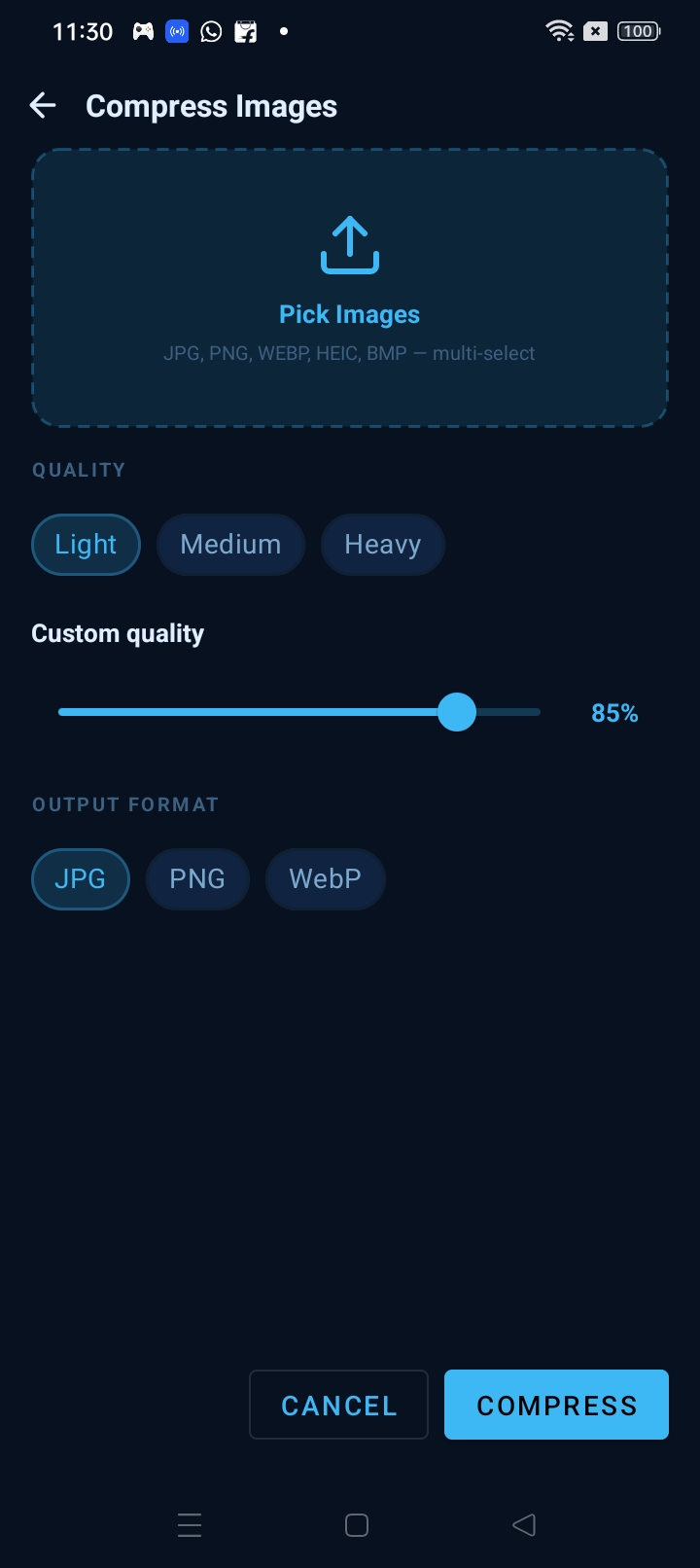
QuickConverter Compress Images screen
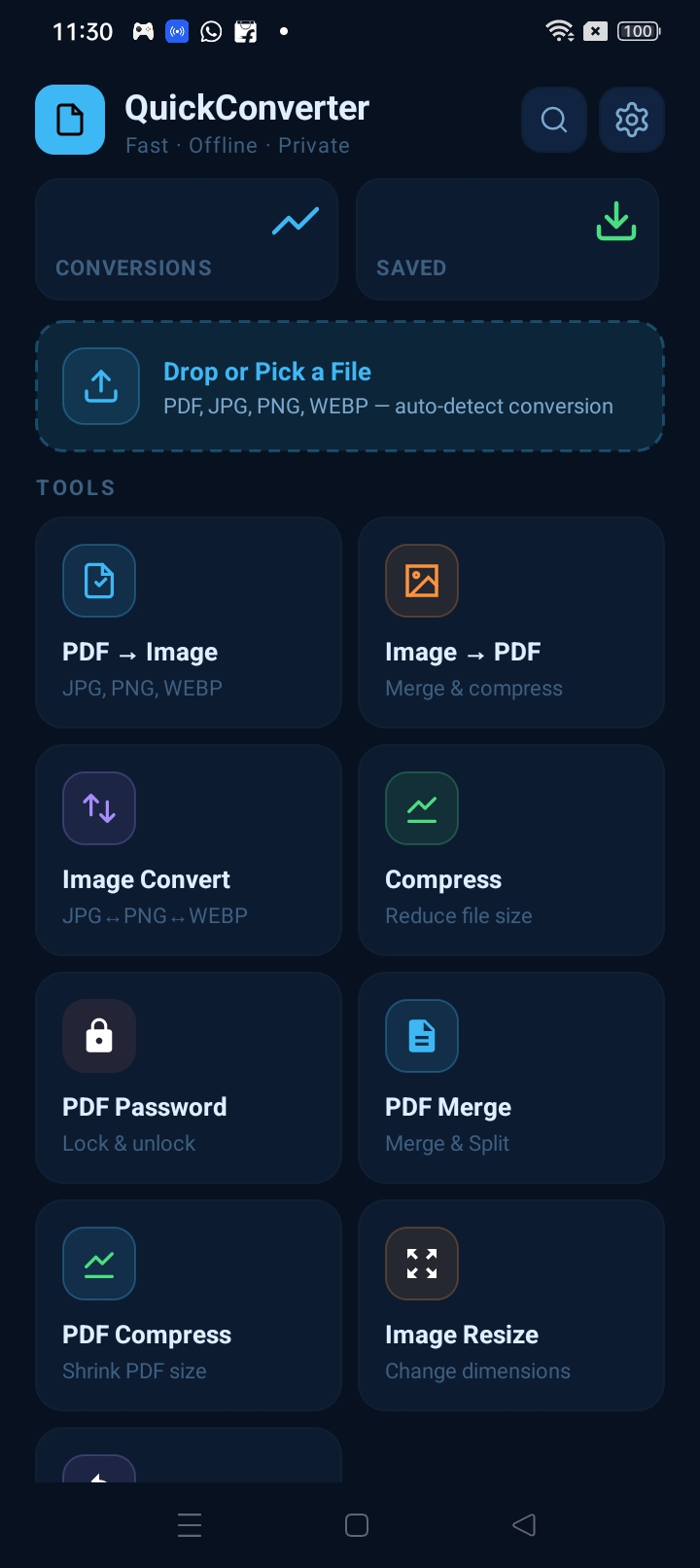
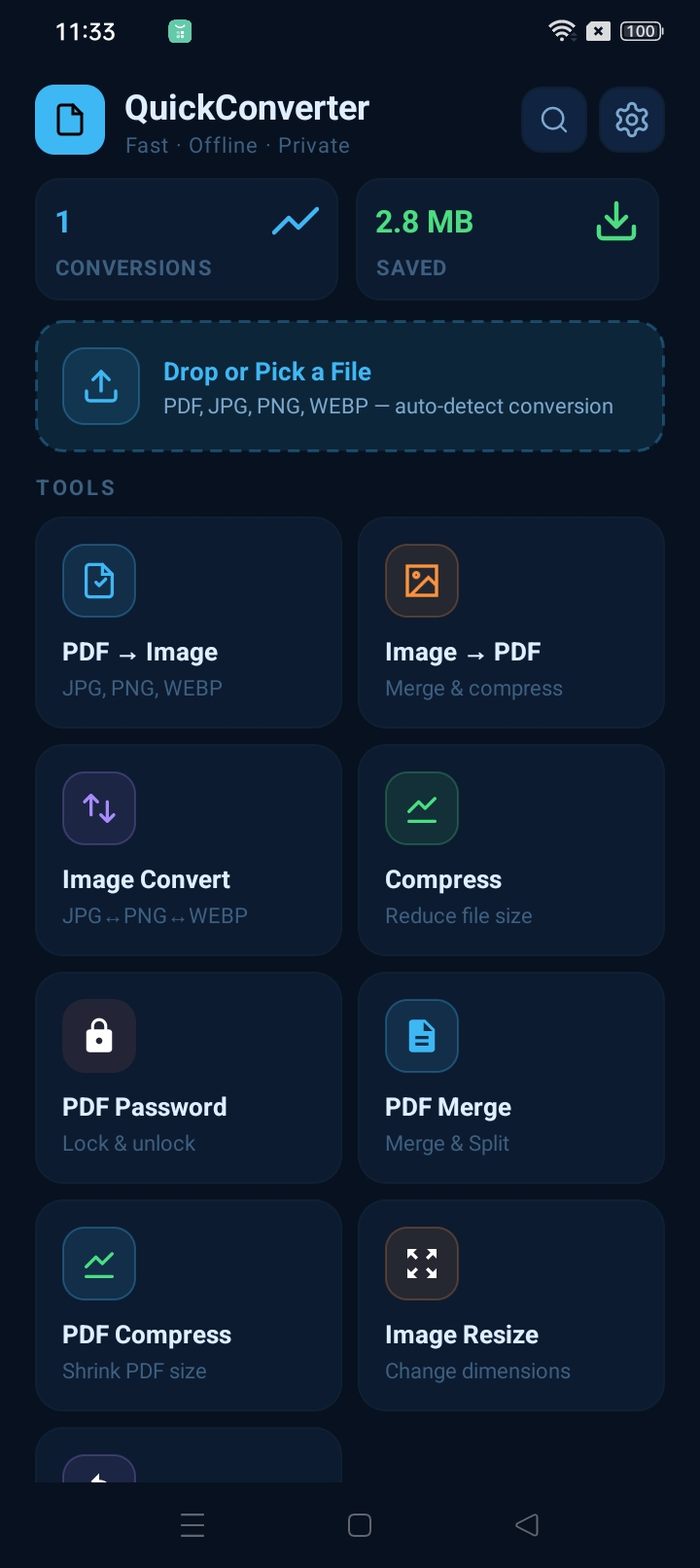
QuickConverter Home — tools dashboard
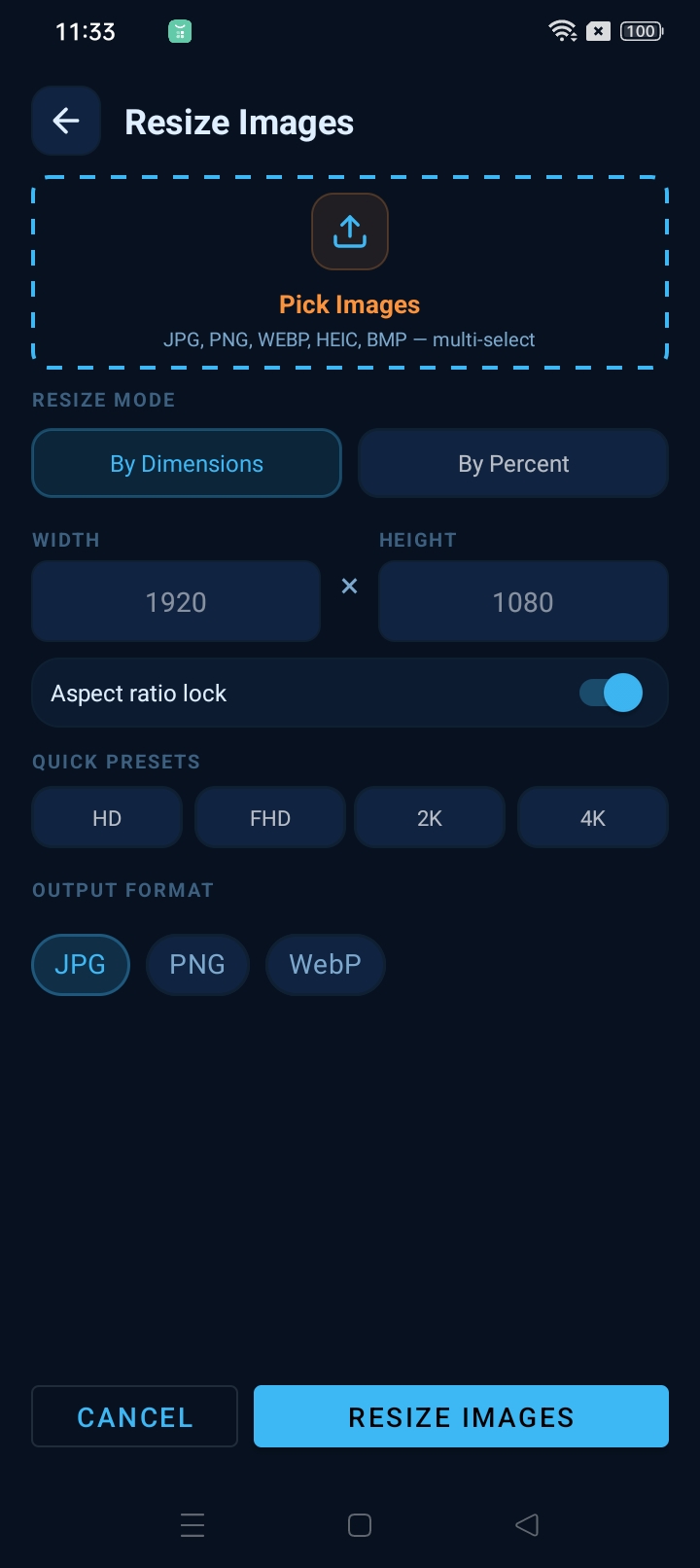
QuickConverter Resize Images screen

All screens

Home
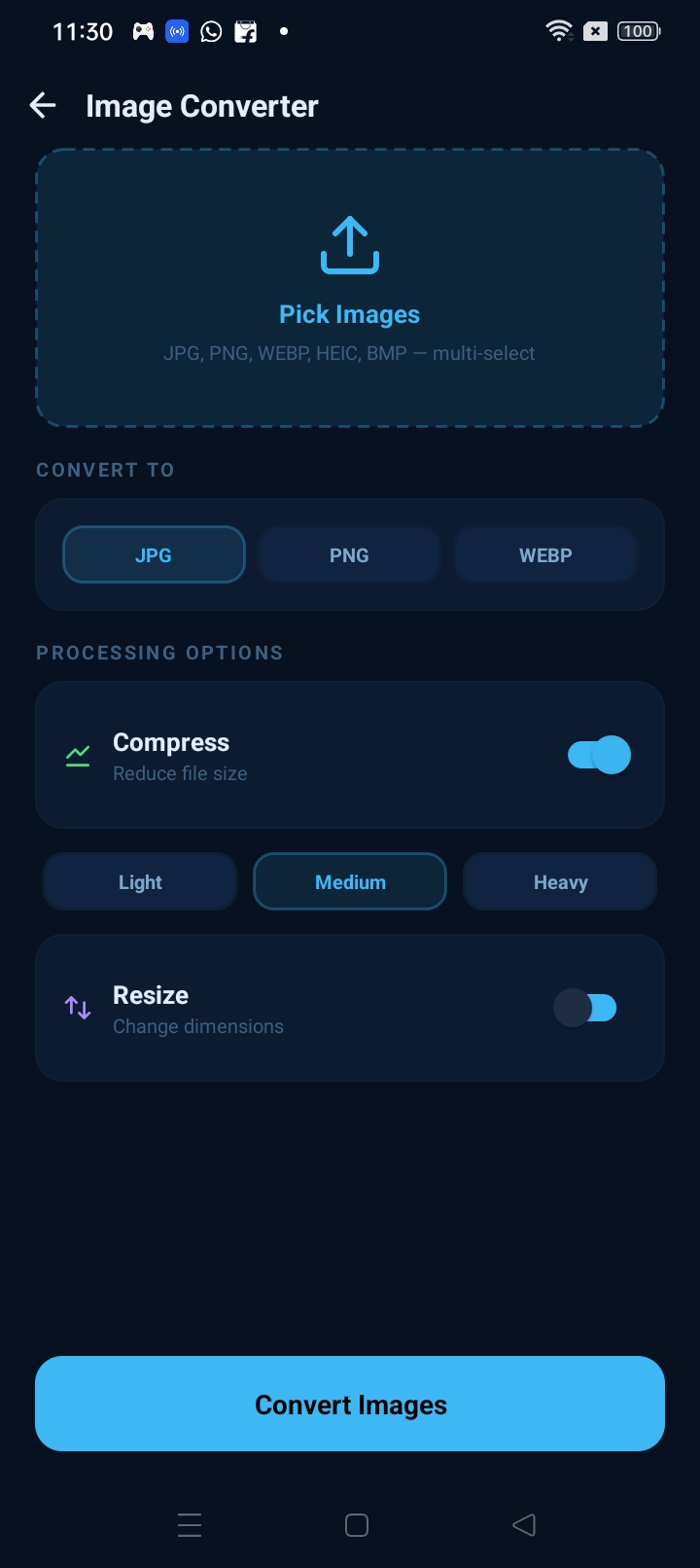
Image Converter
Compress Images
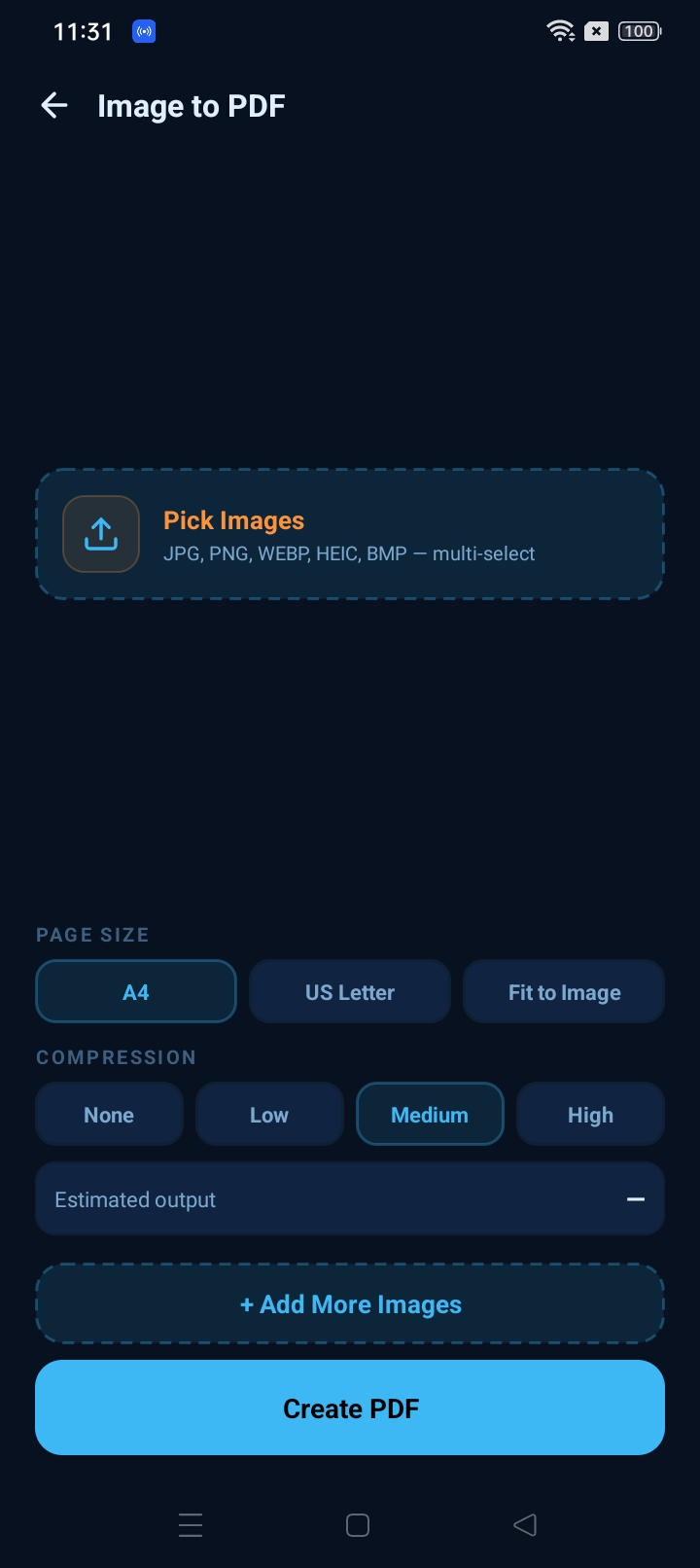
Image to PDF
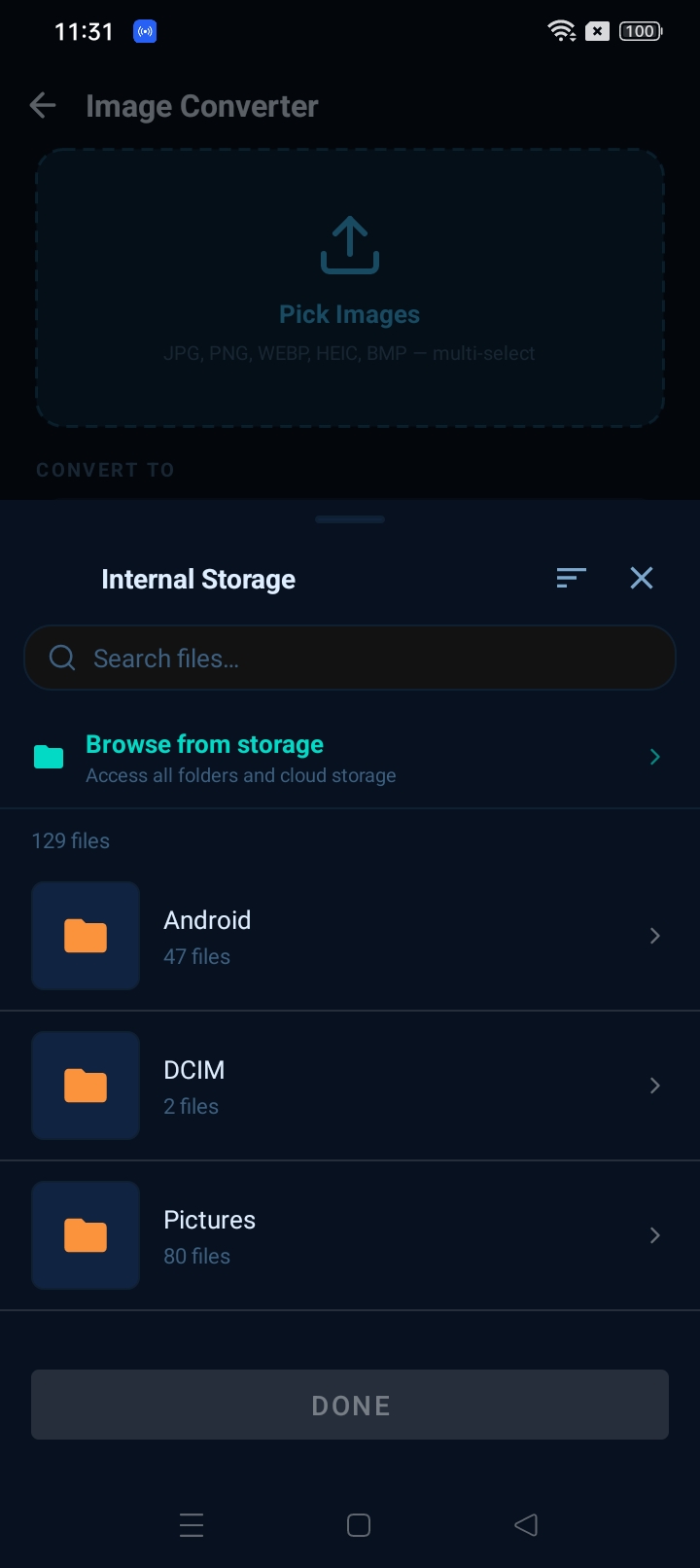
File Picker
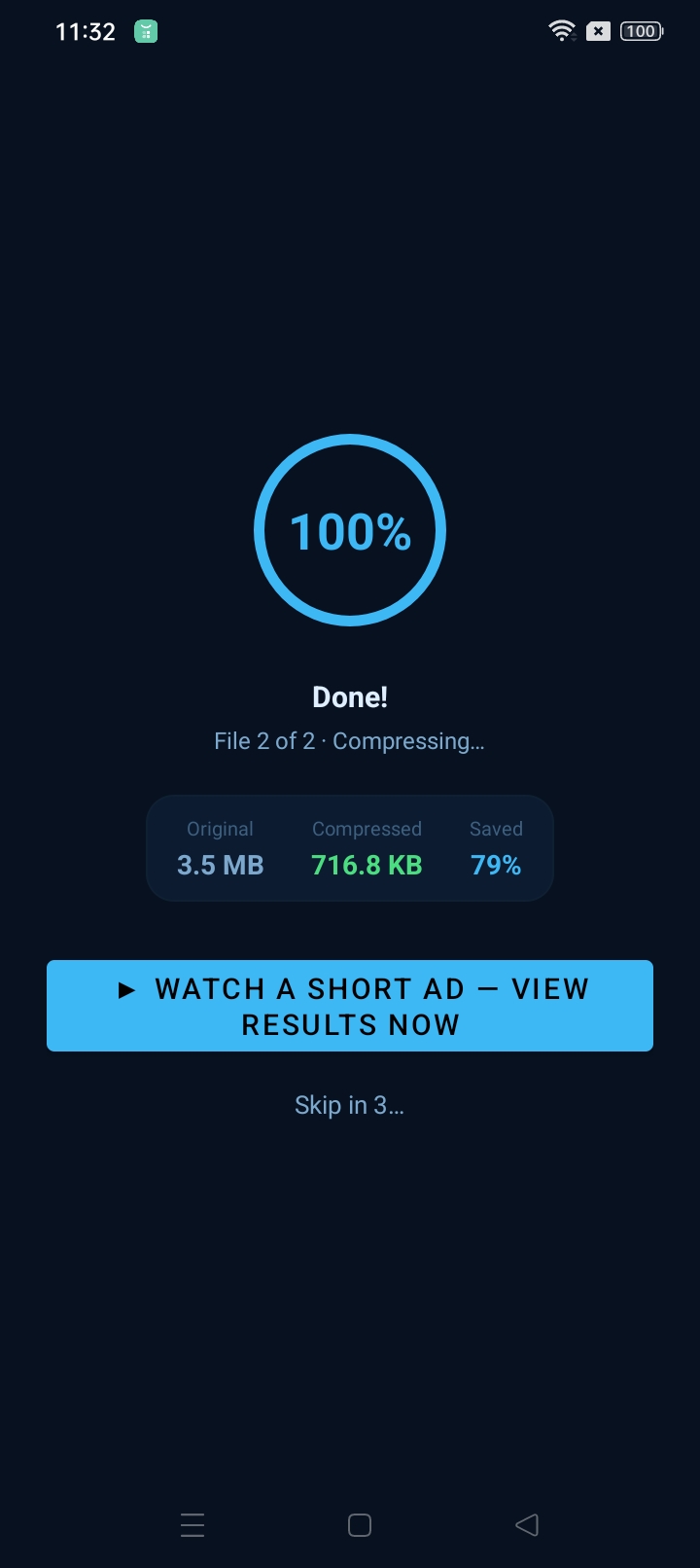
Processing
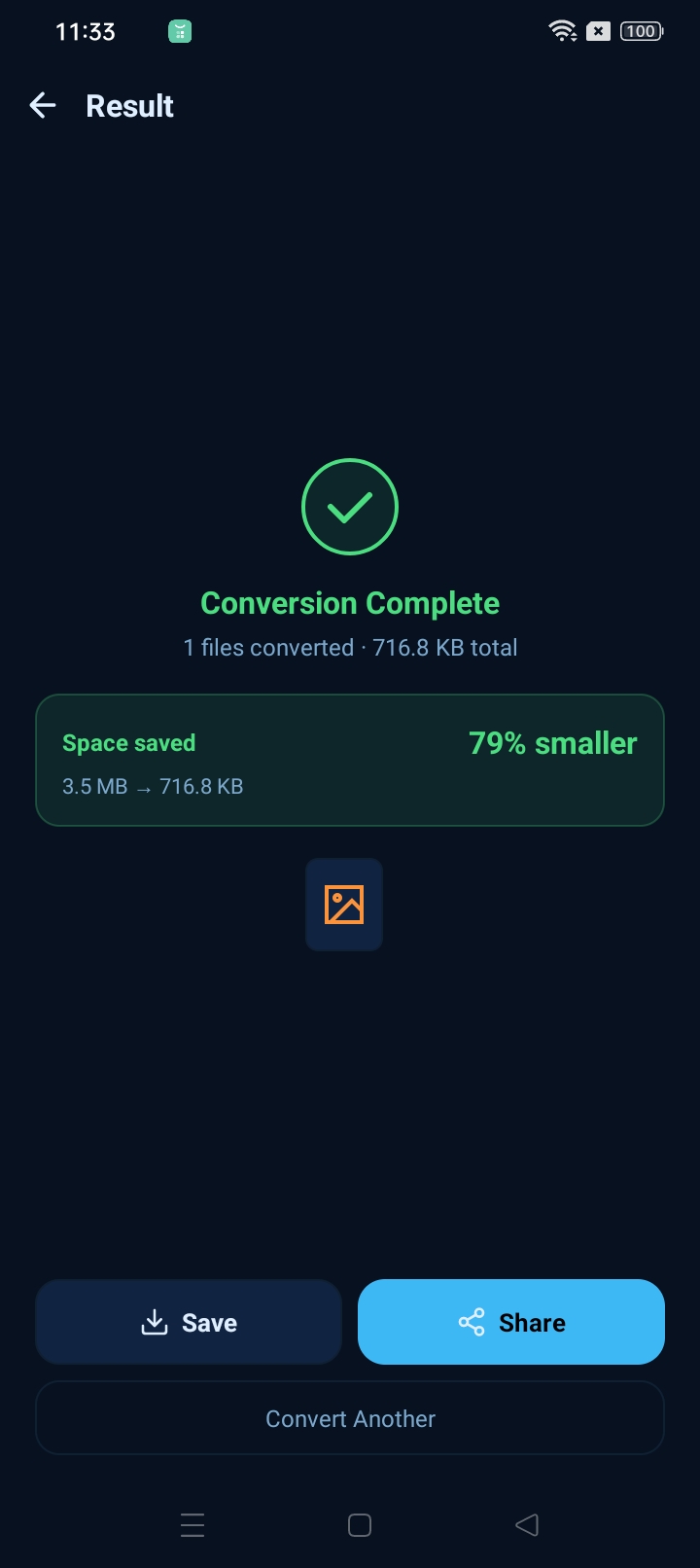
Result
Home with stats
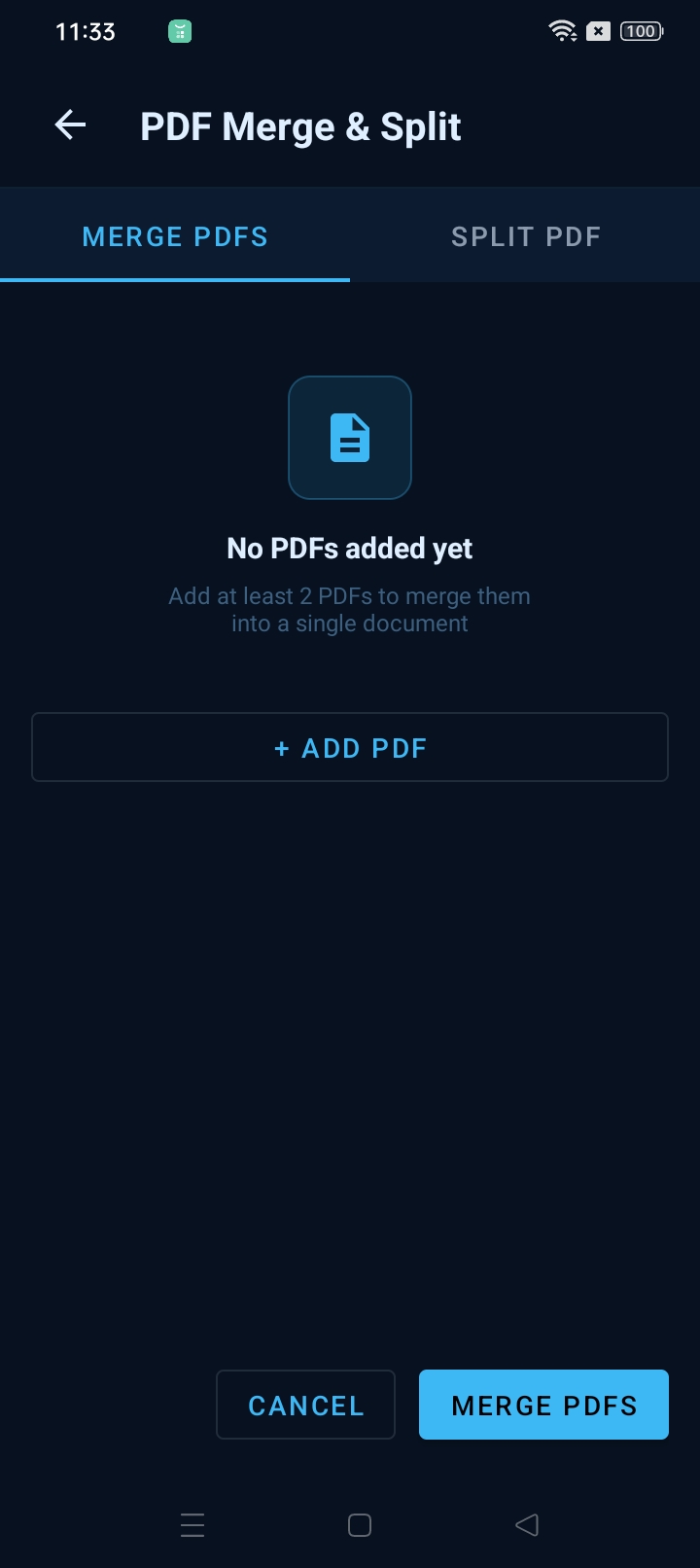
PDF Merge & Split
Image Resize
What's inside

8 tools for all your file conversion needs

PDF → Image

Extract pages from any PDF and save them as JPG, PNG, or WEBP. Pick individual pages or convert the whole document at once.

Image → PDF

Merge multiple images into a single PDF. Choose A4, US Letter, or Fit to Image page size, with built-in compression control.

Image Convert

Convert between JPG, PNG, WEBP, HEIC, and BMP in bulk. Multi-select images and convert them all in a single tap.

Compress

Shrink images up to 79% smaller with a custom quality slider. Choose Light, Medium, or Heavy — then see the exact bytes saved.

PDF Password

Lock PDFs with a password to restrict access, or unlock existing password-protected files when you need to edit them.

PDF Merge & Split

Combine multiple PDFs into one document, or split a large PDF into individual pages — all without any file size limits.

All processing happens on your device.

QuickConverter never uploads your files. No internet connection needed — everything runs locally, instantly, and privately.

100% on-device
No internet needed
No file uploads
Instant results